Browser Tools: Check Privacy Claims and Verify the Result
By ABD Web Tools Editorial · 2026-10-18 · 5 min read
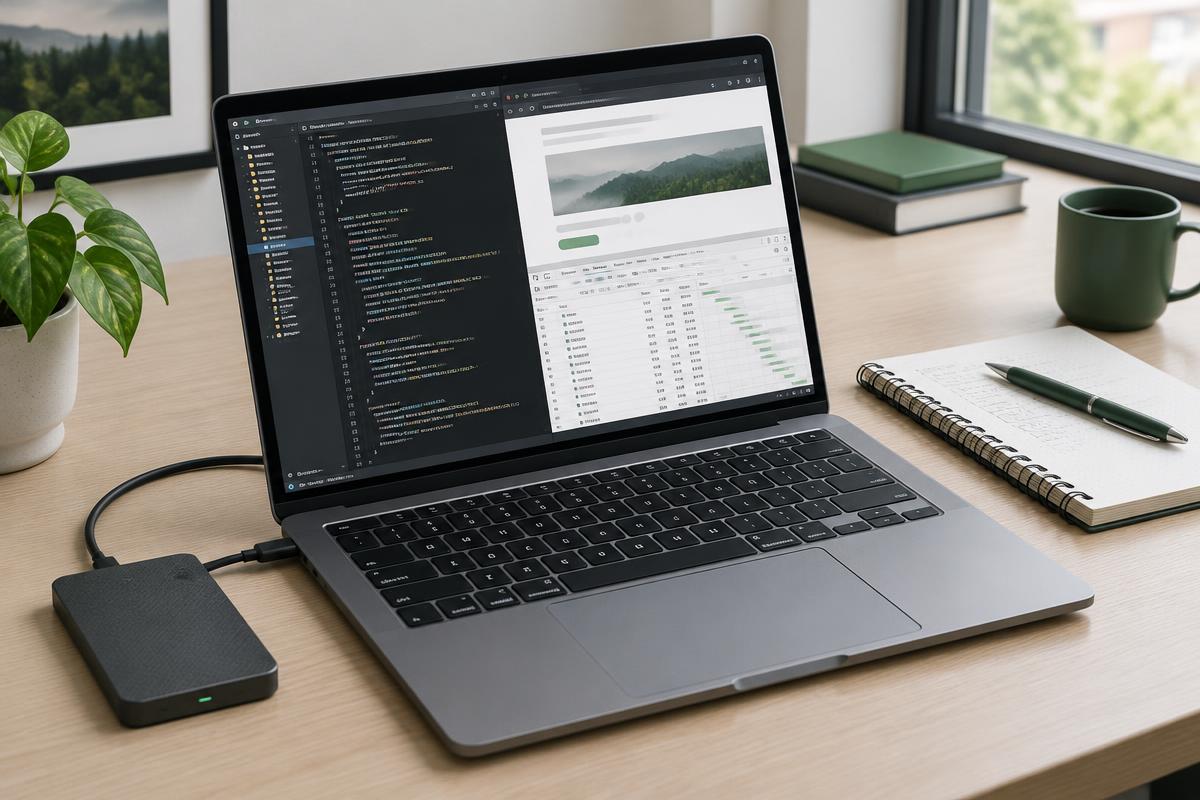
‘Runs in your browser’ describes where some processing happens. It is not, by itself, a complete privacy audit of the page. A website can load fonts, telemetry or advertisements while a calculator performs its arithmetic locally. Checking a web tool requires two separate questions: where does the input go, and does the output do the job you need? Use synthetic examples for both checks, never live passwords or customer records.
Start with harmless representative input
Choose a short sample with a known expected answer. For a JSON formatter, {"count":3,"active":true} should remain an object containing a number and a boolean after formatting. Whitespace may change; the values should not. For a word counter, ‘one two three’ should produce three words under the usual whitespace-based counting method.
Include a failure case as well as a success case. A trailing comma such as {"count":3,} is not valid JSON. A useful validator should report a syntax problem instead of silently presenting the input as valid. Keep a copy of the original and compare output deliberately before using it downstream.
Observe the page’s network requests
Chrome DevTools provides a Network panel that records requests while the page is open. Clear the log after the page loads, enter your synthetic sample and run the tool. Inspect requests triggered by that action, including their destinations and payloads. A request for a font is different from a request containing the text you pasted.
No visible upload during one test is useful evidence for that specific action, not proof of every possible page behavior. Requests can happen later or on a different feature. Source inspection, provider documentation and broader testing can add evidence. If you cannot inspect the behavior, do not promote a general privacy slogan into a guarantee.
Separate syntax from correctness
JSON parsing verifies a structure, not whether an address is real, a price is accurate or a response meets an application’s schema. A formatter can make a wrong value beautifully readable. Likewise, a word counter can estimate length without judging evidence, usefulness or originality.
For production data, validate the result using the destination system’s requirements. Compare a small round-trip sample, check types and investigate large numbers before assuming precision was preserved. Formatting and minifying are not encryption, and neither makes confidential data safe to share.
Treat counters and file tools as task-specific
Counters may split hyphenated words, abbreviations and punctuation differently. If a publisher imposes a limit, its counting method is the authority. Reading-time estimates are approximate and do not account for every reader or for technical material.
A file tool has a different test surface: compare dimensions, quality and output format for an image, or page order and readability for a merged PDF. Keep original files. Large files can exhaust browser memory even when processing is local, and a successful download does not prove every page or image looks right.
Read the privacy policy alongside the tool claim
Input handling and the rest of the website’s data practices are separate. An ad-supported site may use cookies or advertising services even if a specific tool never uploads its input. Google’s AdSense guidance requires privacy disclosures for relevant advertising data practices; a ‘local tool’ badge does not replace those disclosures.
For sensitive tasks, choose an approved offline or organizationally reviewed workflow when you cannot verify the page. The goal is not to distrust every browser utility. It is to match the evidence to the claim, use non-sensitive test data and confirm output before relying on it.
Sources and further reading
Frequently asked questions
Does valid JSON mean the information is correct?
No. It means the input can be parsed as JSON; factual values and application-specific rules require separate checks.
Can a local tool page still make network requests?
Yes. Other page resources or services may make requests independently of the tool’s local input processing.